Mobile AR app for product recognision in big box stores
Overview
'Pro Business Solutions' company specializes in creating products for entities in the food industry. Probs' product is the PRO.Display Live application, which I am the designer of. The product has been highly technical so far, without a developed UX and appropriate UI for the user. My task was to design a new UX and UI, as well as new solutions ahead of the competition in the industry.
Industry
FMCG
Merchandising
Tools
Figma
Jira
Target
Creating a new Design System, a new user-friendly UX and new solutions that have not existed in the application so far
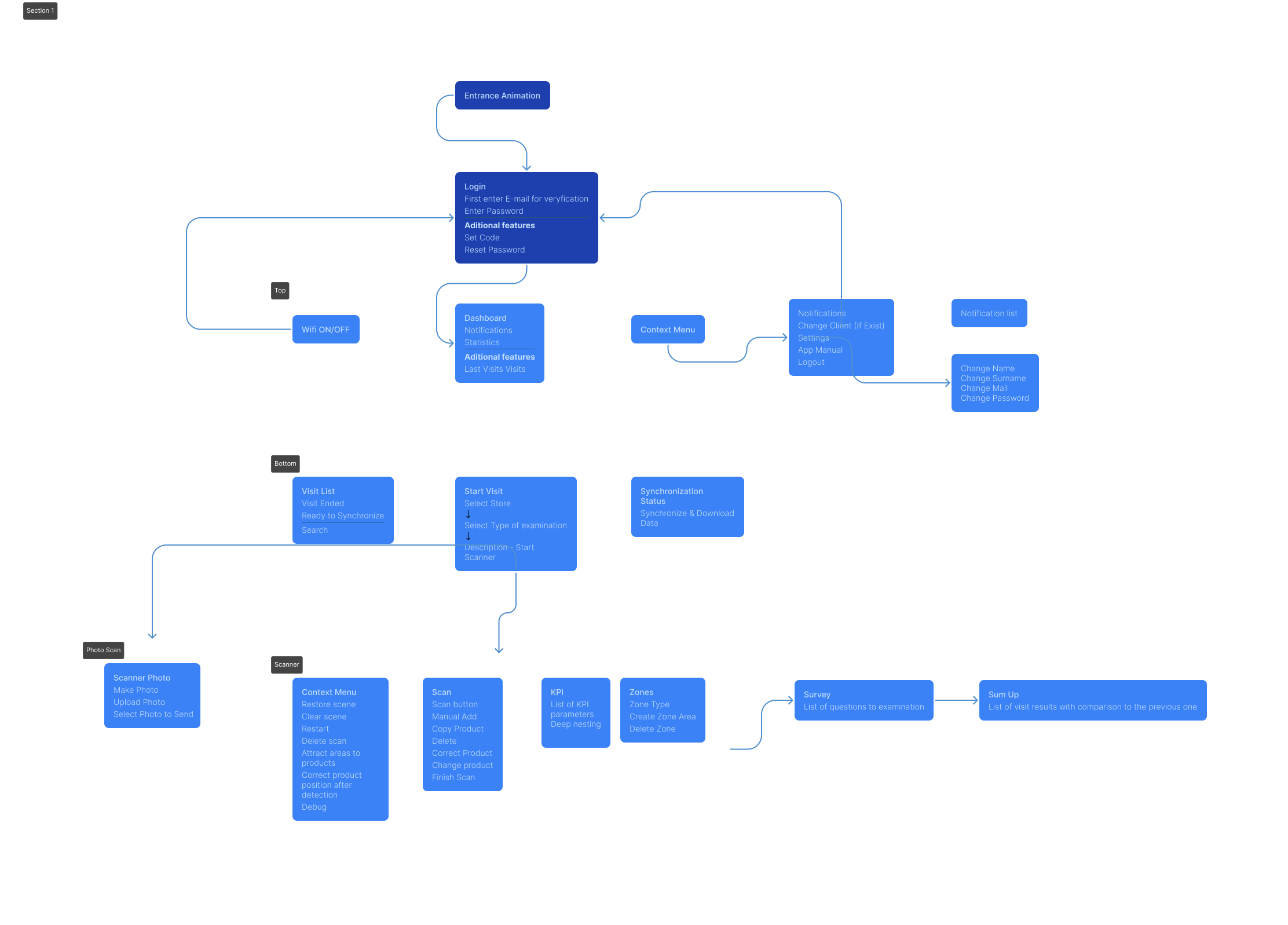
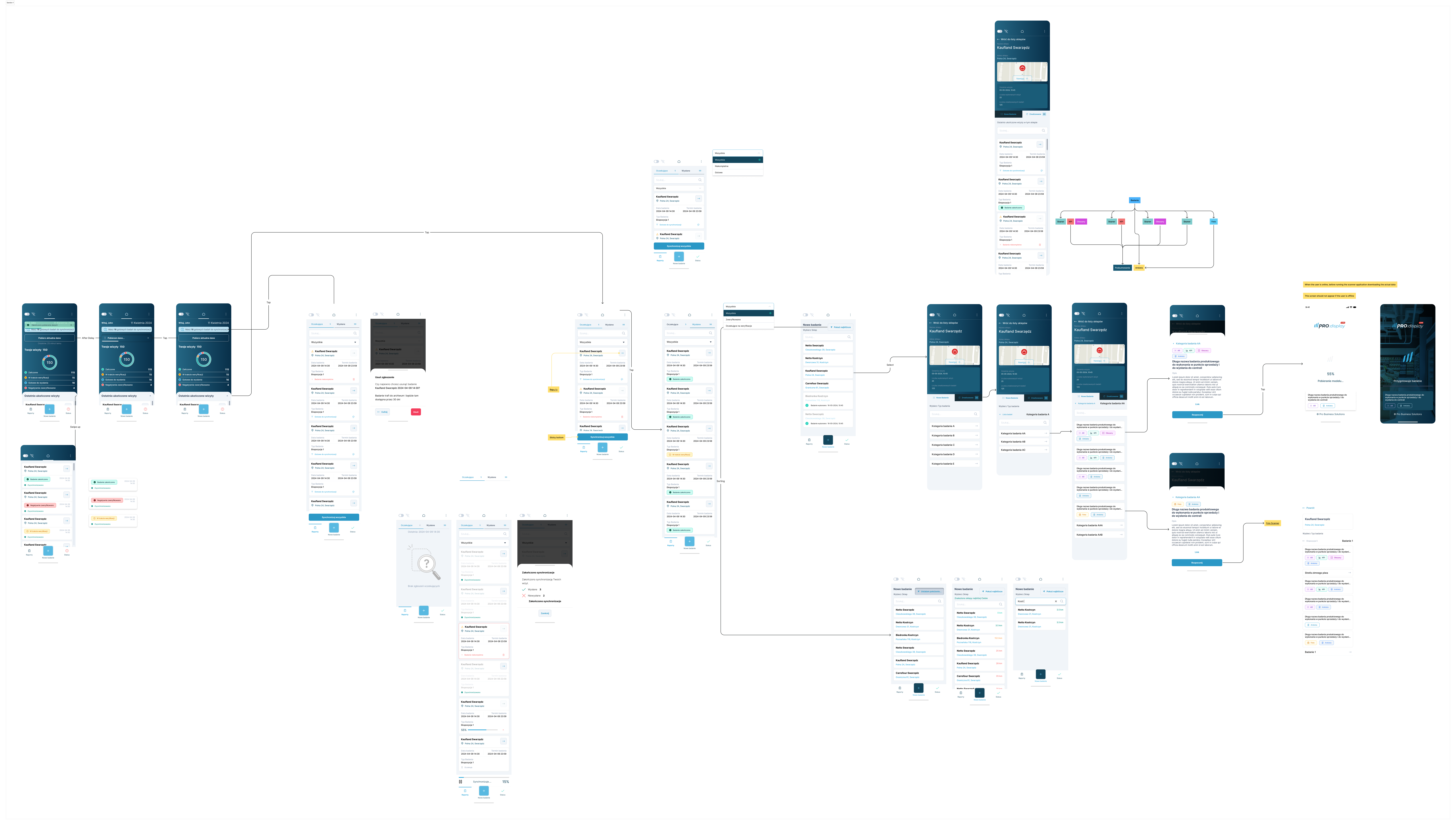
System Strutcure
After many years of the product's existence on the market, we have collected a lot of information about user requirements and problems, and we have researched the competition.
The Pro.Display Live product is characterized by a very intuitive UX, a very well-received UI, is modern, meets WCAG 2.0 standards and can be used in many industries and in many industrial solutions using AR technology.
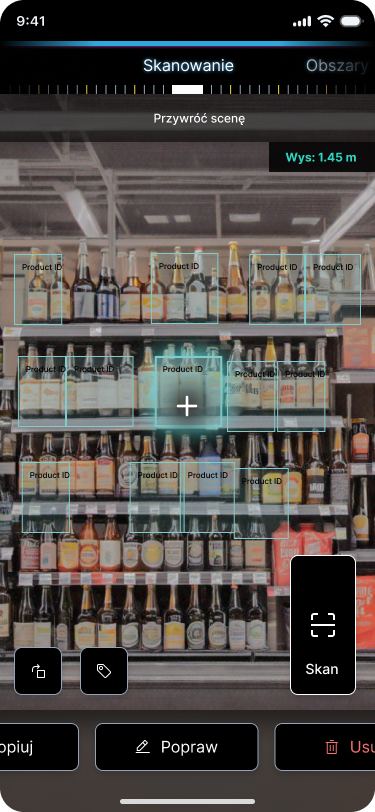
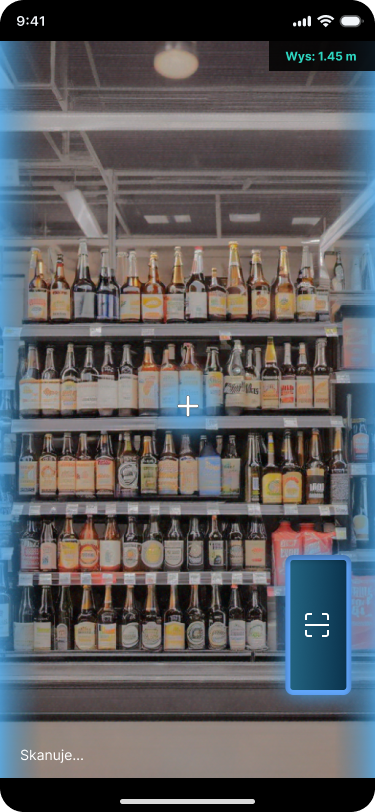
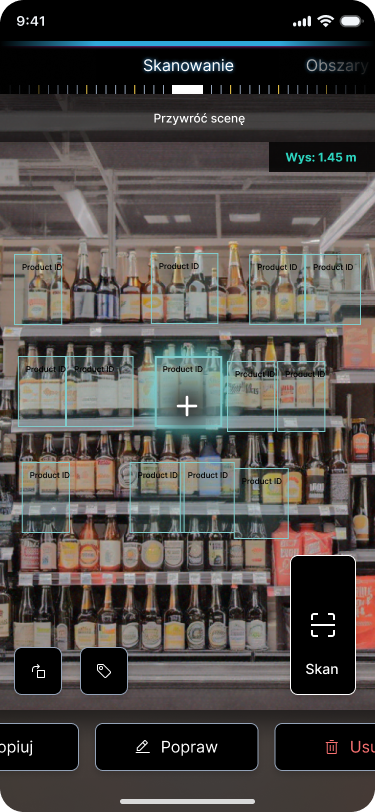
Scanner functionality
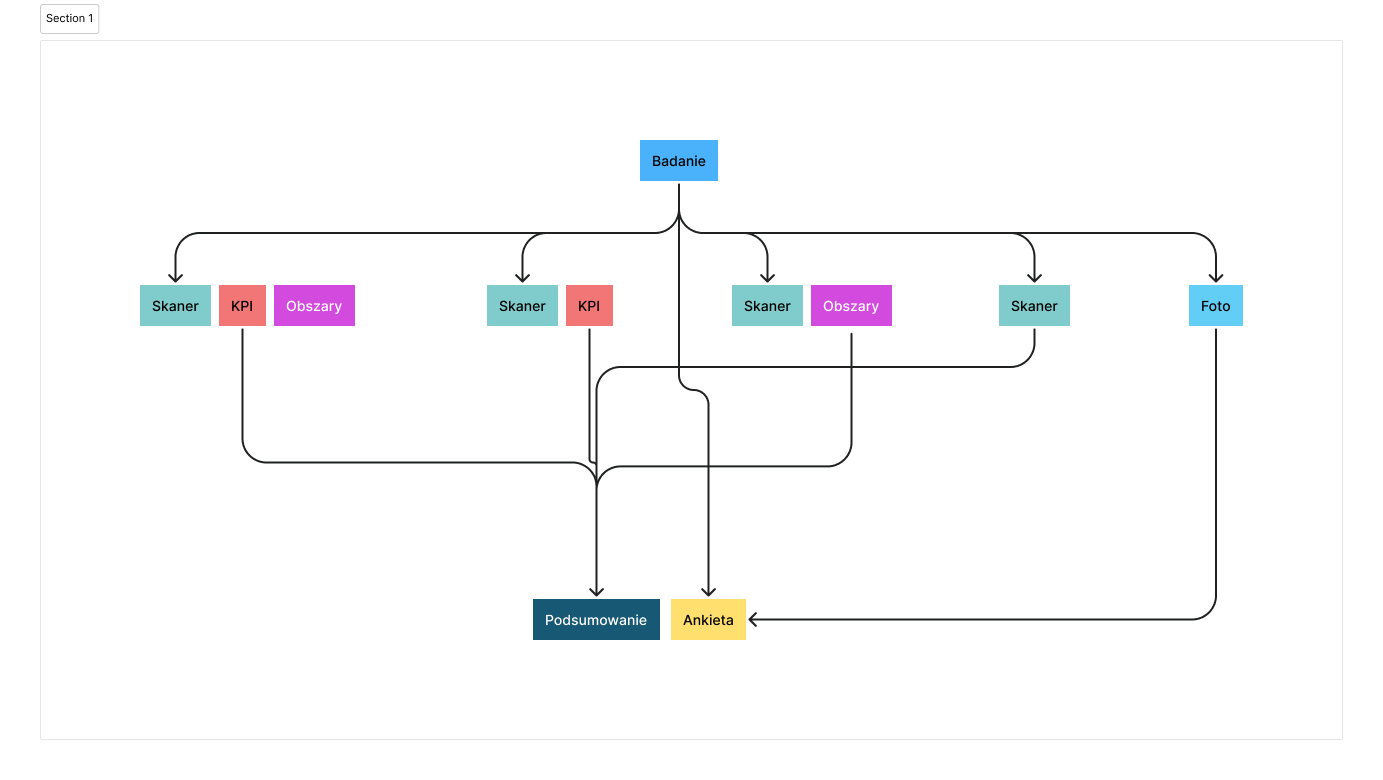
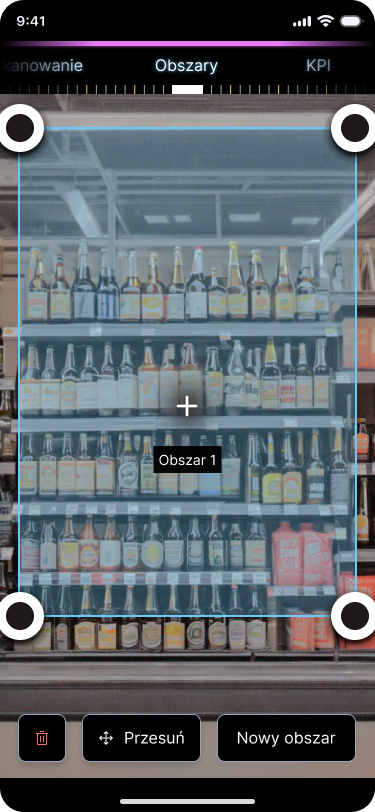
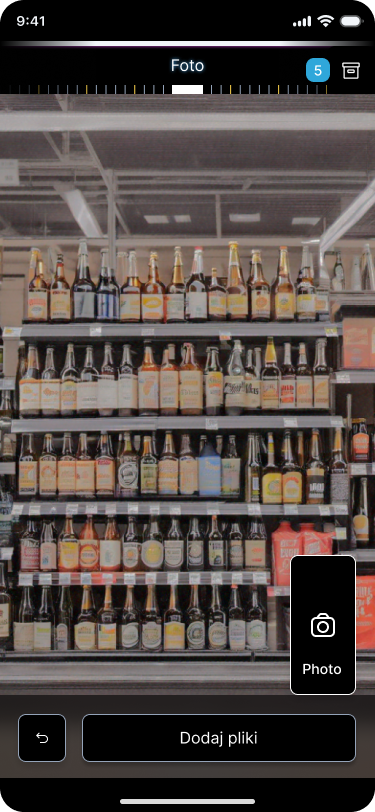
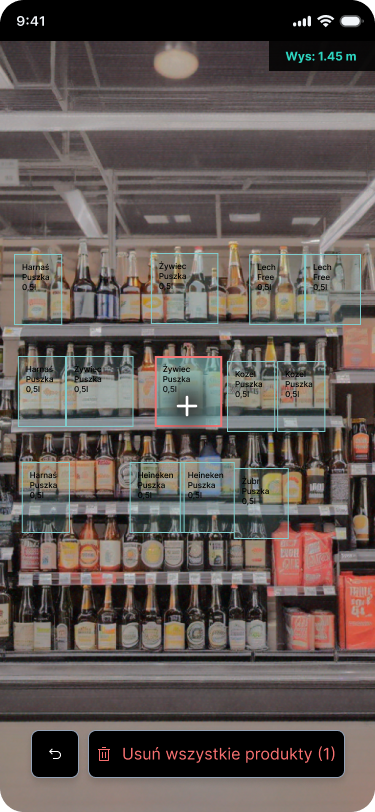
From the very beginning, the product scanner was to serve 4 functions. Spatial scanning, taking pictures, marking areas and summarizing the research results.
The scanner had to be functional, simple and intuitive like the entire system. Additionally, it had to be legible and accessible to everyone. After conducting research with users, I chose the most appropriate form taking into account all the functionality requirements
The Pro.Display Live product is characterized by a very intuitive UX, a very well-received UI, is modern, meets WCAG 2.0 standards and can be used in many industries and in many industrial solutions using AR technology.
KPI Review
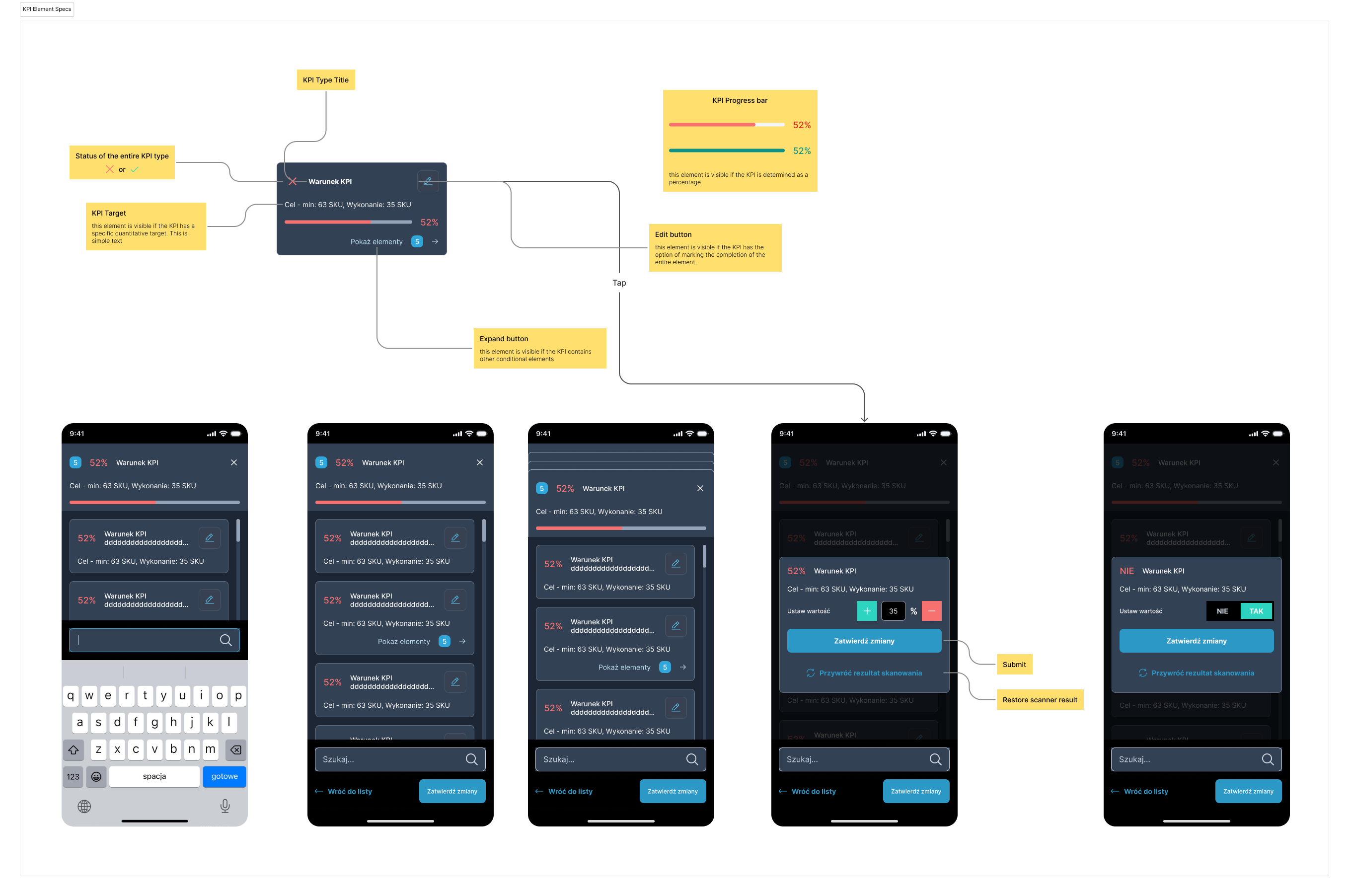
One of the most important functions of the entire study was to be the review of KPI reports. KPI is part of the scanner, thanks to which you can simultaneously review the result of the study and return at any time to re-examine the element if something was not detected. Additionally, I designed the possibility of manually placing a product or area that the scanner did not detect
Design basics
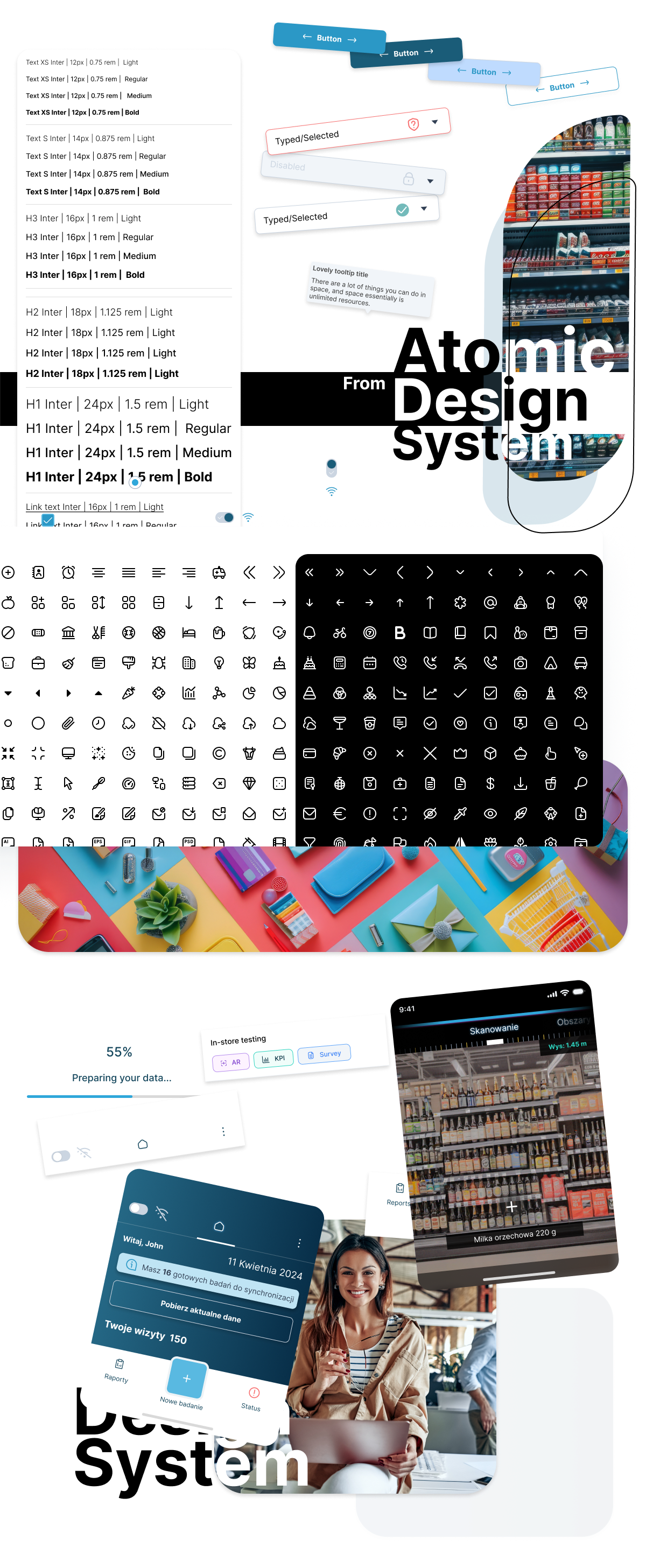
- A consistent system for all kinf od users
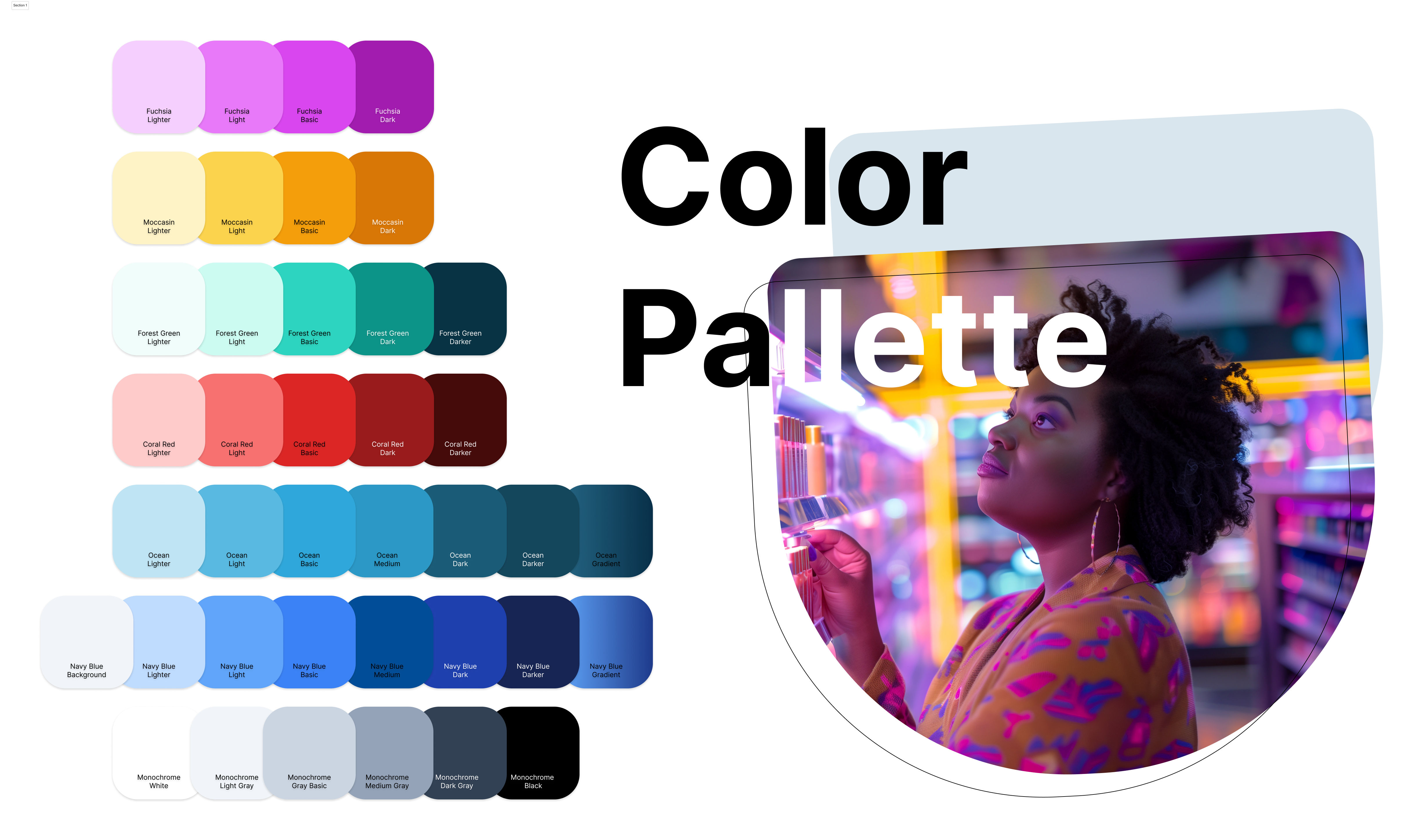
- Established the key visual language
- Built a unified and scalable interface
- Create open design for future solutions
The versatility of the system
The essence of the entire project was to create a universal interface ready for expansion and modification according to the requirements of a specific client. Due to the wide range of industries that use this solution, it is adapted to the products of a given brand. Universality also consists in easy use of the interface by each group of users. For this purpose, an instruction document was also created to facilitate the use of the entire application.